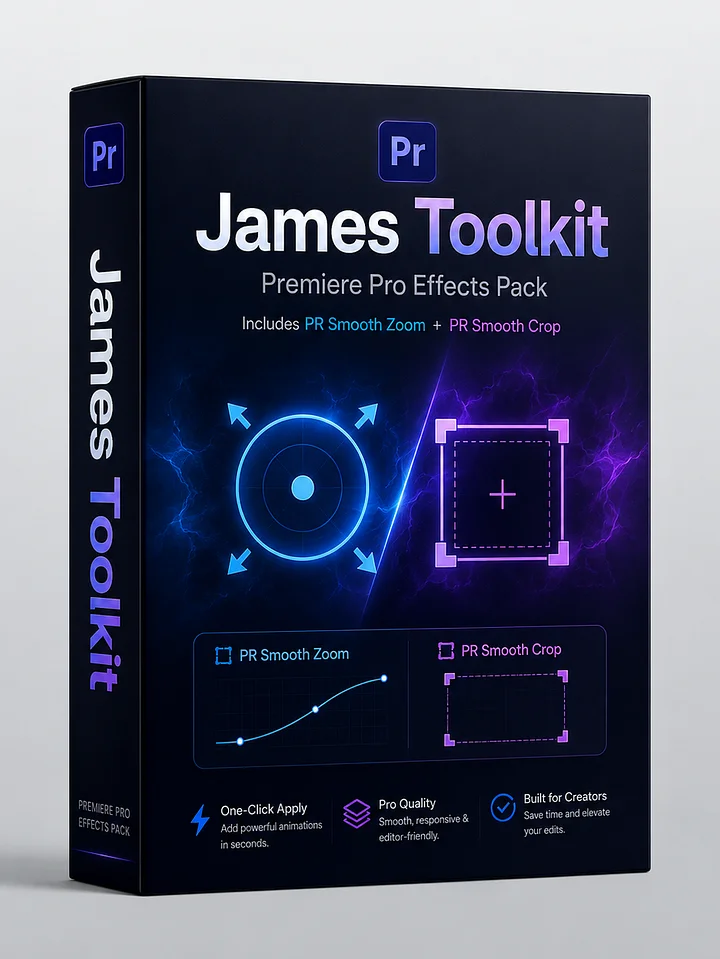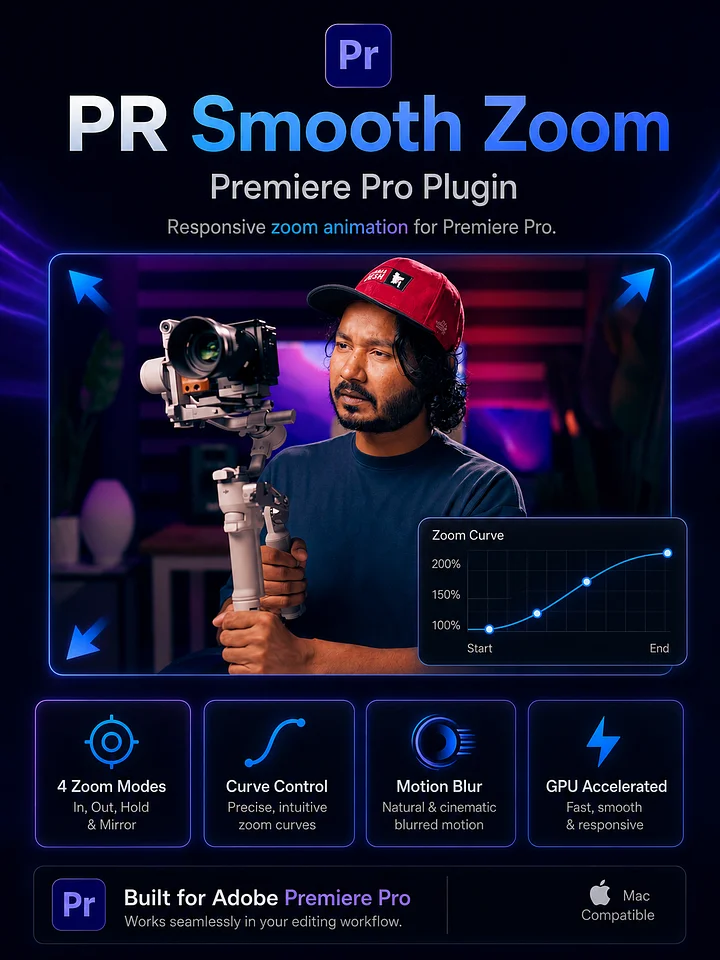
PR Smooth Crop (Mac Only)
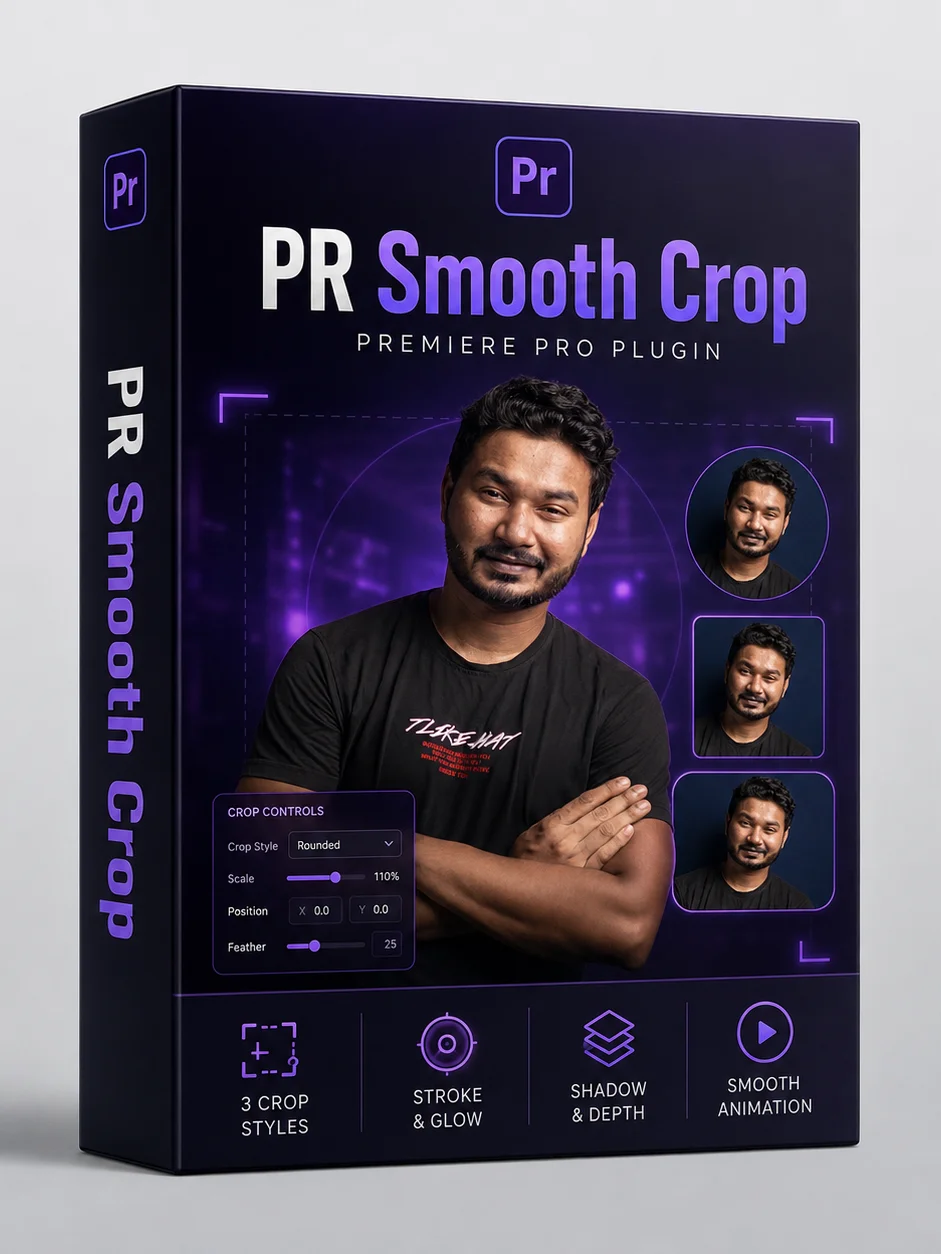
PR Smooth Crop – Premiere Pro Plugin
PR Smooth Crop is a responsive Premiere Pro effect designed to create smooth, animated crop layouts without manually setting keyframes.
It helps you turn a full-frame clip into a stylish cropped frame with smooth animation, making it perfect for talking-head videos, picture-in-picture layouts, tutorials, and social content.
What It Does
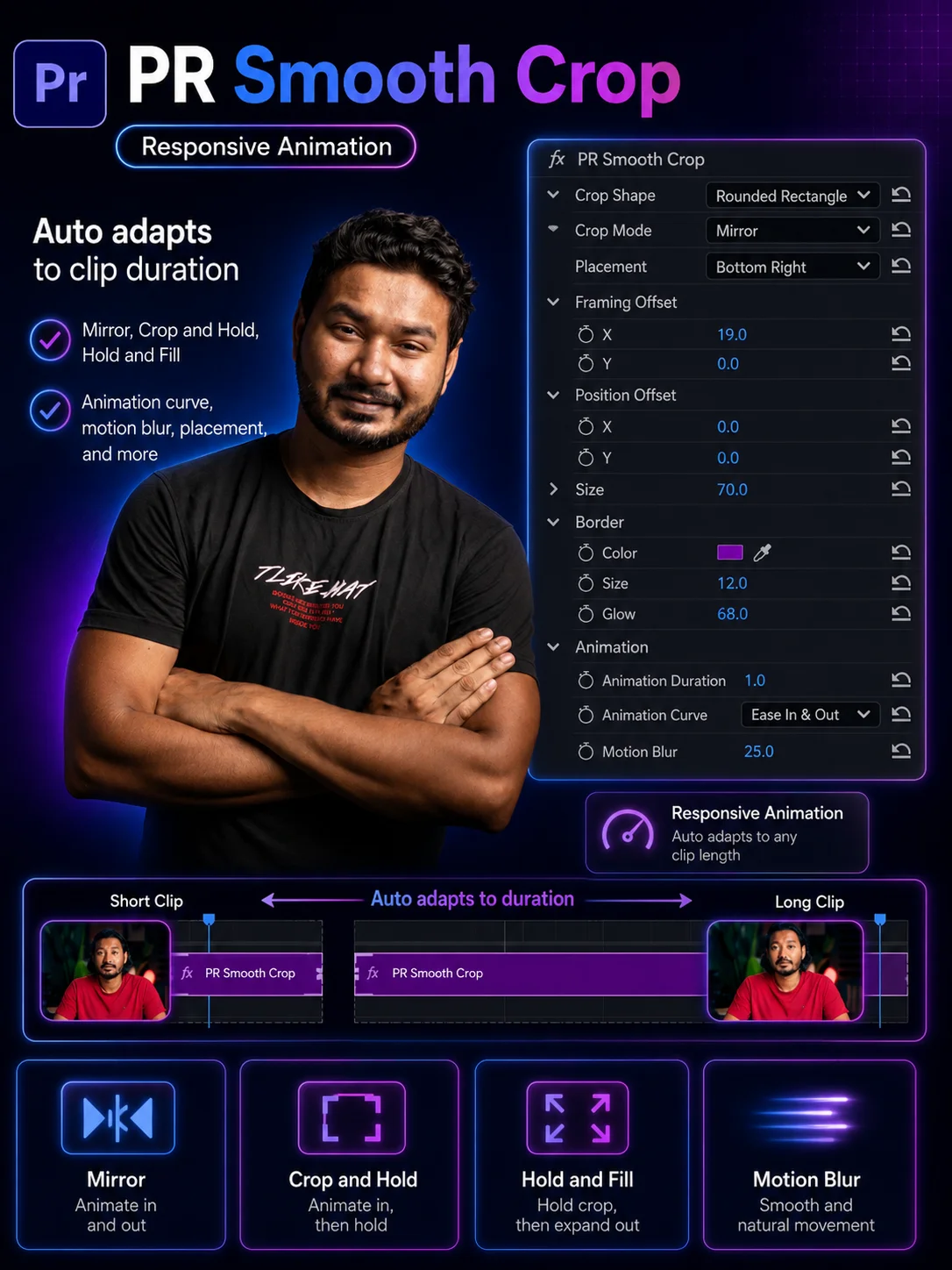
PR Smooth Crop lets you animate a clip from full screen into a cropped frame and back again, directly inside Adobe Premiere Pro. The effect automatically adapts to your clip duration, so if you trim or extend the clip, the animation stays responsive without needing to fix keyframes.
Main Features
- Responsive crop animation
- No manual keyframes required
- Works directly inside Premiere Pro
- Multiple crop shape options
- Placement control
- Framing offset control
- Position offset control
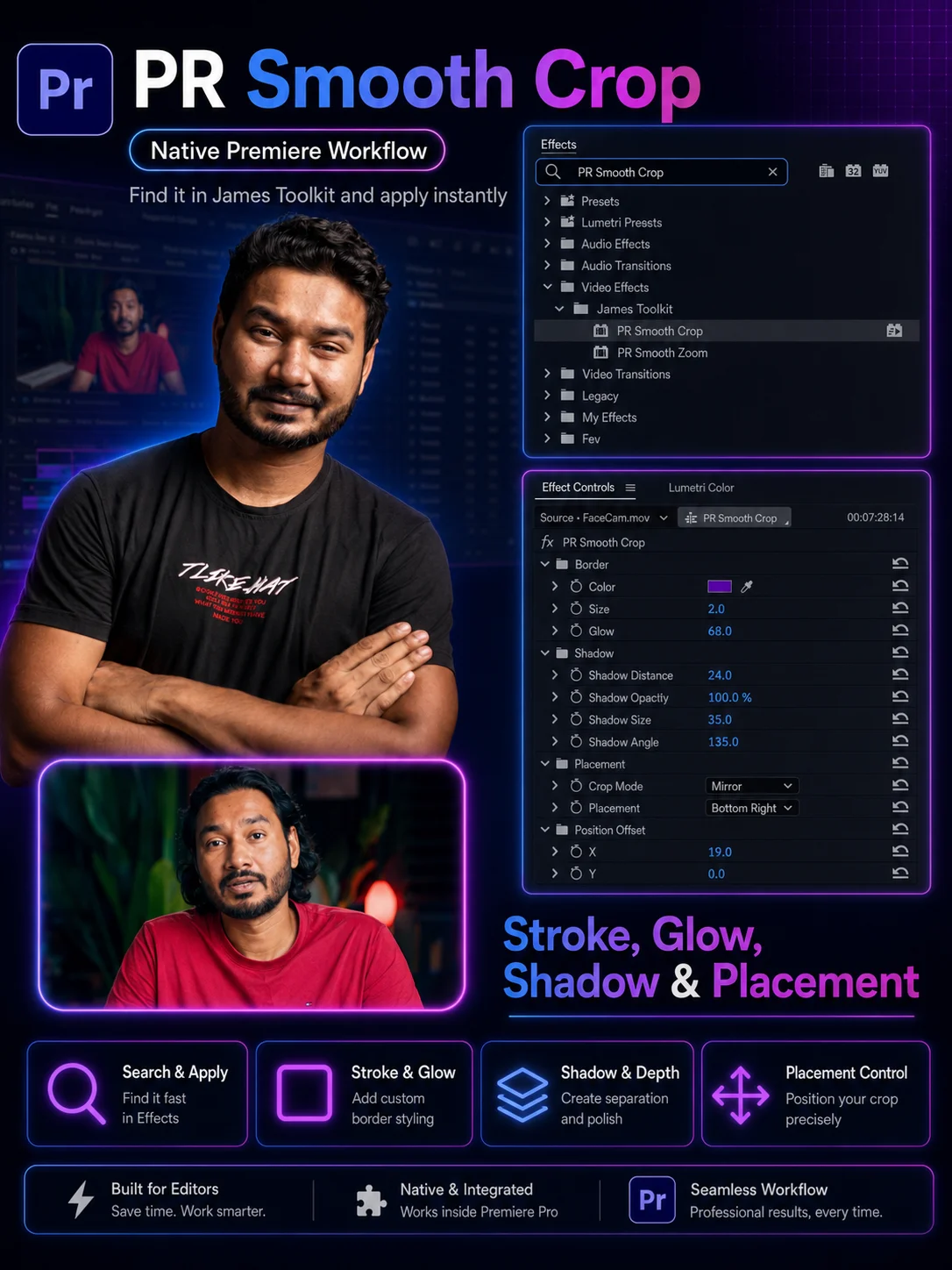
- Stroke and glow styling
- Shadow control
- Animation curve control
- Motion blur control
- Reset option for fast workflow
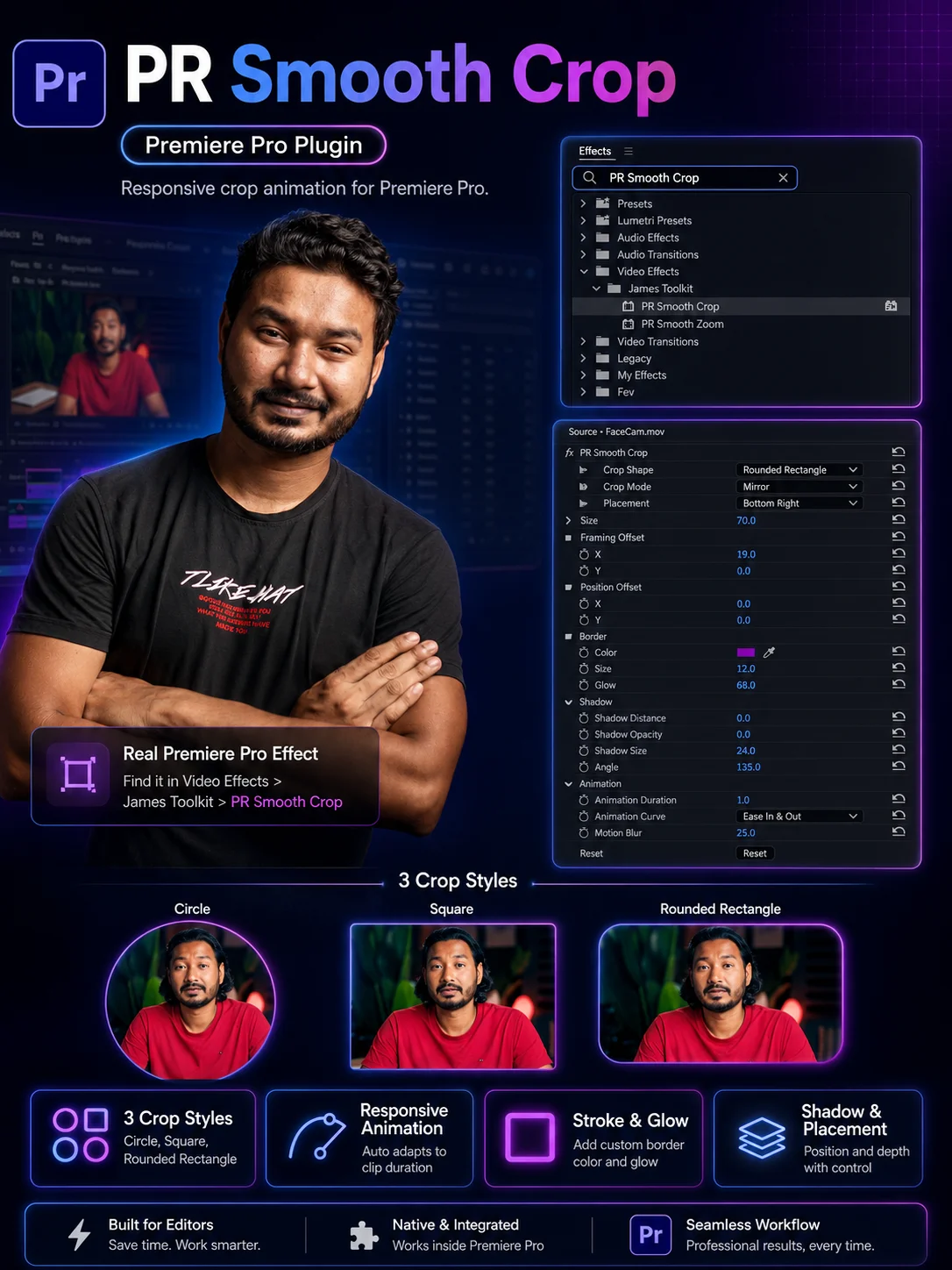
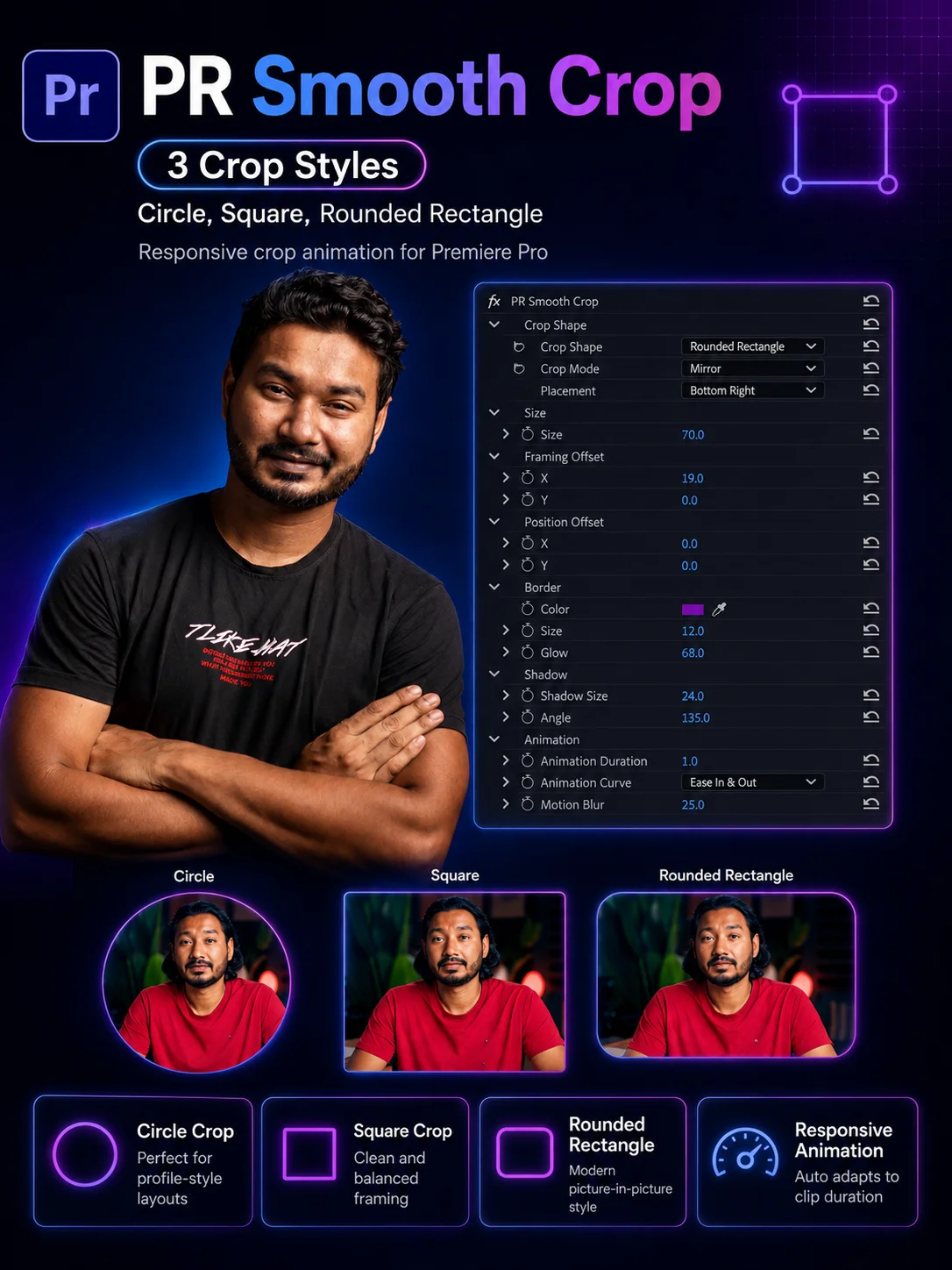
Crop Shape Options
-
Default
Keeps the full frame look while allowing rounded styling and animation behavior. -
Square
Creates a clean square crop for modern layouts and social-style framing. -
Rounded Rectangle
Creates a smooth rounded vertical crop, perfect for talking-head overlays and picture-in-picture shots. -
Circle
Creates a circular cropped frame for profile-style or spotlight layouts.
Crop Modes
-
Mirror
Animates from full frame into the crop, holds, then returns back to full frame. -
Crop and Hold
Animates into the crop and stays cropped until the clip ends. -
Hold and Fill
Starts in the cropped state and smoothly animates back to full frame at the end.
Style Controls
PR Smooth Crop is not just about cropping. It also gives you extra design controls so your cropped frame looks polished and professional.
-
Border / Stroke
Add a custom border around the cropped frame. -
Glow
Add a glowing edge for a modern and eye-catching look. -
Shadow
Add depth and separation from the background. -
Placement
Quickly position the crop in areas like top, middle, or bottom placement zones.
Animation Controls
- Animation duration control
- Animation curve options
- Motion blur adjustment
- Framing offset for internal crop positioning
- Position offset for final crop placement
Choose how the movement feels with smooth easing options such as:
- Basic / Linear
- Ease In & Out
- Ease In
- Ease Out
Perfect For
- Talking-head videos
- YouTube tutorials
- Reels and Shorts
- Picture-in-picture videos
- Podcast clips
- Educational content
- Reaction videos
- Product or commentary videos
Why Use PR Smooth Crop?
- Save time by avoiding manual crop keyframing
- Create polished crop animations quickly
- Add professional styling with stroke, glow, and shadow
- Keep your workflow fast and clean inside Premiere Pro
- Make your videos more dynamic and visually engaging
Compatibility
Currently supports macOS only. Windows version is coming soon.
Works with Adobe Premiere Pro.
PR Smooth Crop is built for editors and creators who want an easy way to create stylish, animated crop layouts inside Premiere Pro with full control over shape, placement, border styling, and motion.